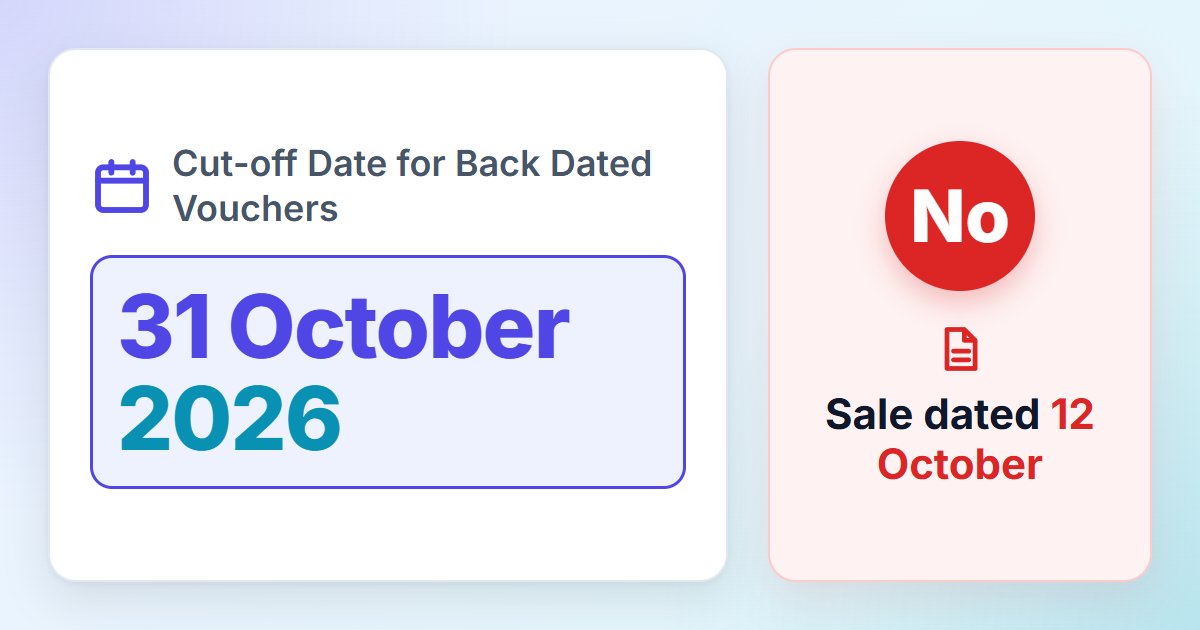
Key points
- TallyPrime 7.2 blocks back dated vouchers through a user role.
- In TallyPrime 7.2, set the limit at Alt+K > User Roles.
- A cut-off date blocks every voucher dated on or before it.
- Days allowed for back dated vouchers counts from the system date.
- The Tally administrator login is never blocked by these limits.
Your client's GSTR-1 for October is already filed. Today a staff member added a sale dated 12 October. Now the books and the return disagree. TallyPrime 7.2 can refuse that entry before it is saved.
What Is a Back Dated Voucher Restriction?
A back dated voucher is any voucher dated before today. TallyPrime lets you block these for selected users. You set the rule inside a user role. You pick one of two limits. Days allowed lets a user go back a fixed number of days. A cut-off date blocks every date on or before it. Blocked users cannot create or alter those vouchers. The administrator can still post anything.
How to Stop Back Dated Entries in TallyPrime 7.2: Step by Step
- Switch on security first. Press Alt+K > Alter and select the company. Set Control User Access to Company Data to Yes. Enter an administrator name and password. Note the administrator password somewhere safe.
- Press Alt+K > User Roles. The Security Levels list opens. Type a new name, such as Data Entry Staff. Tally tip: set Use Basic Facilities of to Data Entry.
- Find Days allowed for Back Dated Vouchers. Enter 2 to allow two days back. Or fill Cut-off Date for Back Dated Vouchers. The days limit reads the computer's clock.
- Press Ctrl+A to save the role. Tally tip: one role can cover all your data entry staff.
- Press Alt+K > Users and Passwords. Enter the staff name, the new role and a password. Tally tip: give each person a separate login. Shared logins hide who posted what.
- Close the company and reopen it with the staff login. Try a sales voucher dated before the cut-off. Tally should refuse to save it. Testing as administrator proves nothing.
Mistakes That Cost Indian CAs Hours
- Testing as administrator. The admin is never blocked. Always test with a staff login.
- Using only days allowed. Staff change the Windows date and bypass it. Add a cut-off date as well.
- Never moving the cut-off. A March cut-off leaves April onward open. Move it forward after each return.
- Sharing one login across staff. You cannot trace who back-dated a voucher. Create one user per person.
- Confusing this with Skip Date. The F12 Skip Date option only moves the cursor. It blocks nothing.
Pro Tips for 2026
Tie the cut-off to your return calendar. Monthly GSTR-1 is due on the 11th. GSTR-3B follows on the 20th. After filing, move the cut-off to that month's last day. On 24 November 2026, October GSTR-3B is already filed. So a cut-off of 31 October 2026 fits now. For 31 March, wait until audit adjustments are done. Next, keep Edit Log on. Rule 3(1) of the Companies (Accounts) Rules requires an audit trail. It has applied since 1 April 2023. The cut-off stops new damage. The log shows past changes. Finally, keep the admin password with the partner, not the accountant.
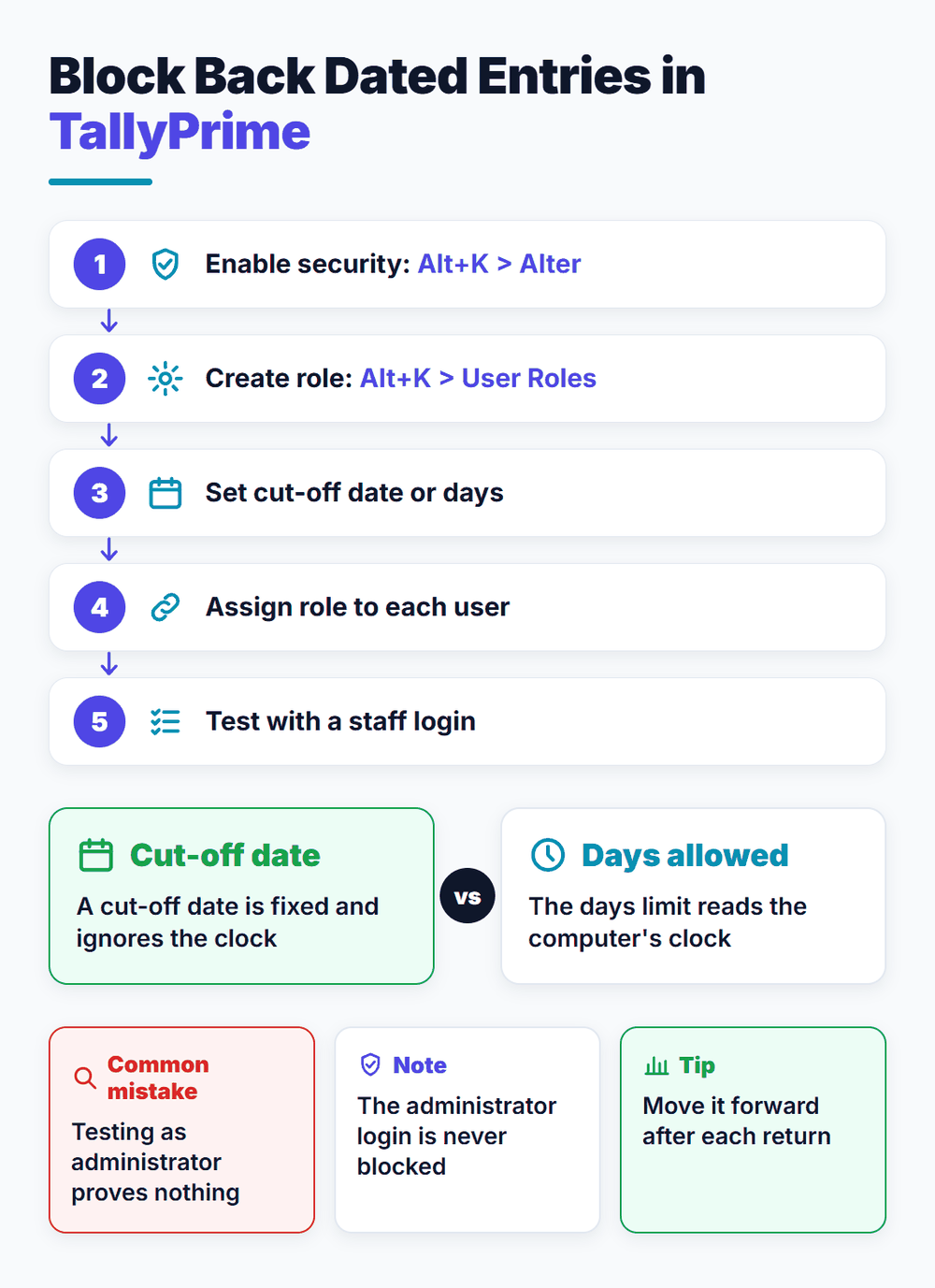
Use this infographic on your site
Free to share. Copy this code and keep the credit link.
Q: How to stop back dated voucher entries in Tally Prime 7.2?
Press Alt+K > User Roles and create a role. Set Cut-off Date for Back Dated Vouchers. Assign the role at Alt+K > Users and Passwords. That user cannot then post on or before that date.
Q: Can the administrator still post back dated entries in Tally?
Yes. The restriction applies only to users in the role. The administrator login is never blocked. Test the setting with a staff login, not admin.
Q: Why can my staff still enter back dated vouchers?
Usually they changed the Windows system date. Days allowed counts from that date, so it moves too. A cut-off date is fixed and ignores the clock. Also check they are not using the admin login.
Q: How to restrict back dated entries in Tally ERP 9 vs TallyPrime 7.2?
In Tally ERP 9, press Alt+F3 at Gateway of Tally. Then open Security Control > Types of Security. In TallyPrime 7.2, use Alt+K > User Roles. Both offer days allowed and a cut-off date.
Q: How long does it take to set up a back dated restriction?
Plan on roughly 15 minutes for one company. Most of it is creating users and passwords. Moving the cut-off later is a single field change.