Any bank, any layout
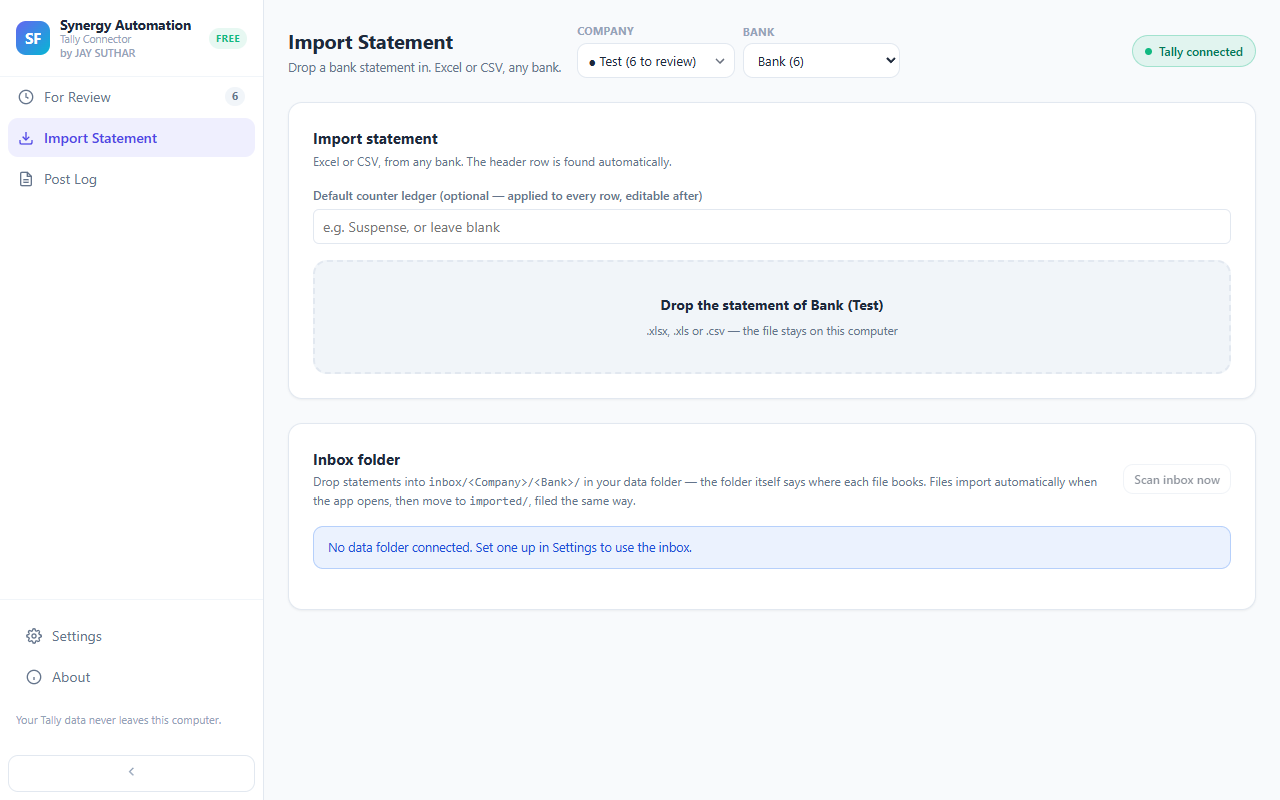
Whichever bank you use, and however it lays out its statement, you just drop the file in. There’s no list of banks to hope yours is on.
Nothing to set up first
No template to pick and no columns to match. You open the file you already have, and you’re looking at your entries.
Only real transactions come in
Opening balance, closing balance and totals are left out for you, so you never have to delete entries that shouldn’t be there.
Know the ledger already? Set it once
If most of the statement goes to one ledger, pick it while you import and every entry starts with it filled in. You can still change any of them.
Use the Excel or CSV download
Your net banking usually offers an Excel or CSV file right next to the PDF. That’s the one you want — it’s the most accurate copy of your statement.
Questions
Which banks does it work with?
Any bank that lets you download your statement as Excel or CSV. The layout is read from your own file, so an unusual or new format still works.
Can I import statements for more than one bank account?
Yes. Import each statement for the bank account it belongs to. Entries from different accounts, and from different companies, are kept apart for you.
What if my file won’t open?
You’ll see a message straight away. Usually it means the file is a PDF or a summary rather than the statement itself. Download the statement again as Excel or CSV, or email it to [email protected] and we’ll take a look for you.
Goes well with
Every feature · Set it up · How it works · About the extension