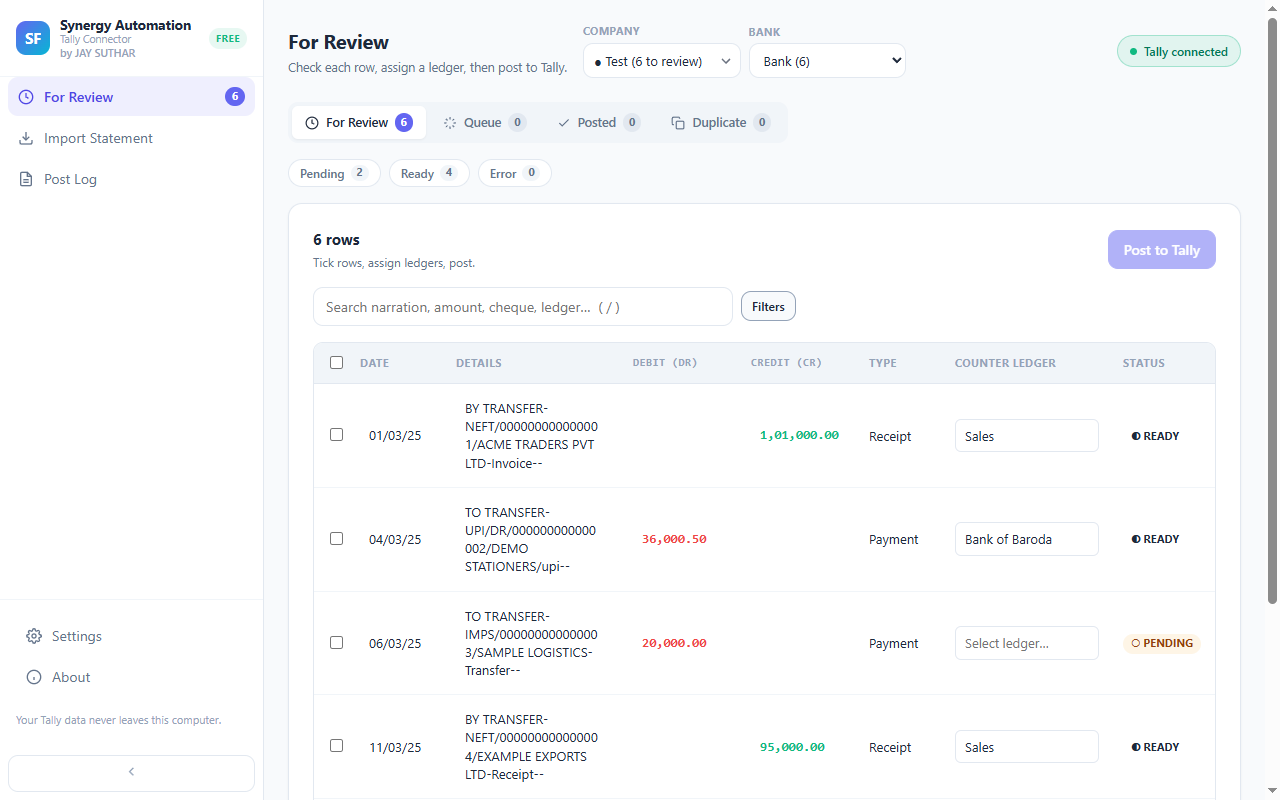
Type, pick, done
Start typing on any entry and the matching ledgers appear, with their group beside them, so similar names never trip you up.
Always up to date
Added a ledger in Tally a moment ago? It shows up here too.
Not sure? Leave it for later
Leave the ledger empty and the entry simply waits in review until you come back to it.
One choice, not two
Picking the ledger also sets whether it’s a Receipt, Payment or Contra, so you make one decision per entry, not two.
Questions
Can I add a new ledger from the extension?
Create it in Tally the way you always do. It appears in your list shortly afterwards, ready to pick.
Is my ledger list sent anywhere?
No. It’s read from the Tally on your own computer and it stays on your computer.
Goes well with
One ledger for many entriesAll your bank charges, every payment from a regular customer — set the ledger once and they’re all done.Right voucher, every timeMoney in becomes a Receipt, money out a Payment, a bank or cash transfer a Contra. You don’t have to think about it.Review before anything goes inYou see every entry before Tally does. Fix anything with a click. Nothing goes in until you say so.
Every feature · Set it up · How it works · About the extension